Image Optimiser
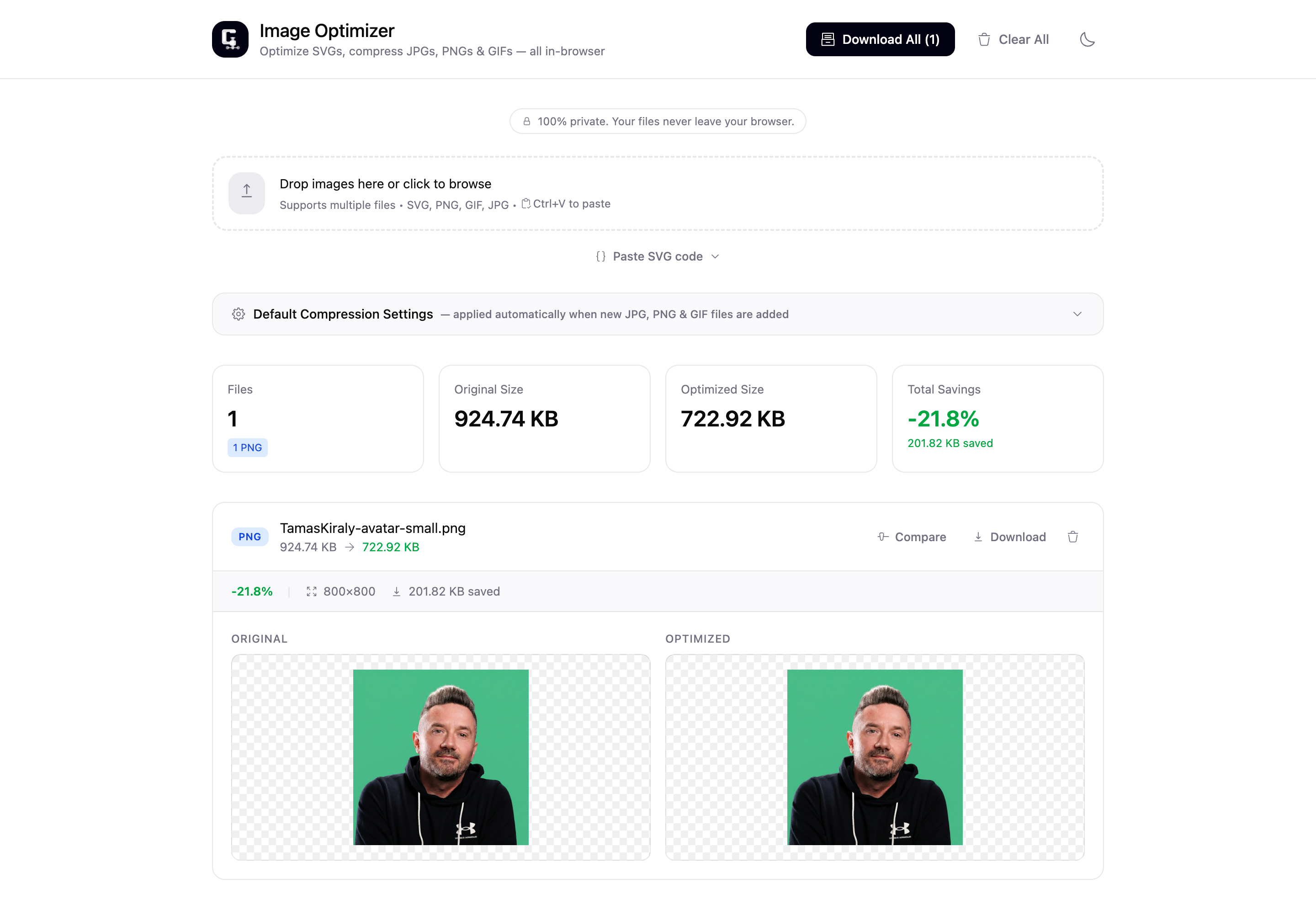
An in-browser image and SVG optimiser. Drop files in and get smaller ones back, with nothing uploaded to a server and the right approach picked for every format.
 ⤢ Click to zoom
Why I built it
Images and SVGs ship larger than they need to, and the usual fixes mean a different tool for each format, or uploading your files to a service you have to trust. I wanted one place that takes all of them, gets the defaults right, and keeps every file on your own machine.
It is also how I keep my hands in the build. I design software for a living, and building it keeps me honest about what I ask engineers for. This one pulled me into the parts of the browser most apps never touch, Canvas encoding, WebAssembly, and code-splitting, all behind a single drop-zone.
The whole thing runs in your browser. Your files never leave your machine.
What it does
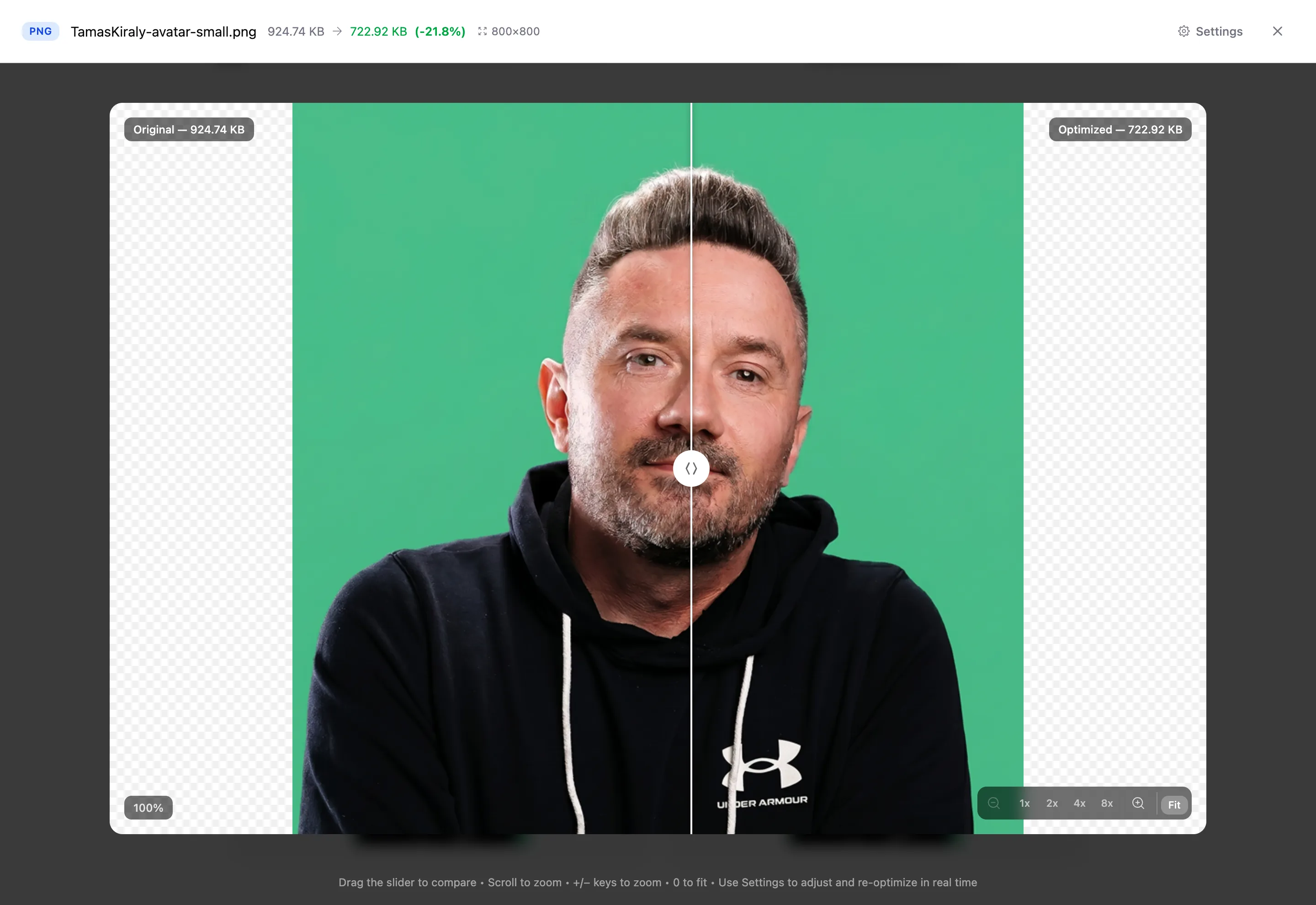
Drop in one file or a few dozen, by drag, click, or paste. It picks the right optimiser for each type, shows the before and after sizes, and lets you download the results one at a time or as a single ZIP.
- Every common format. SVG, JPG, PNG and GIF, plus one-click conversion of any raster image to WebP or AVIF.
- The right approach per type. JPG by quality with optional EXIF, PNG lossy or lossless, animated GIF re-encoded frame by frame, and SVG cleaned of editor cruft without touching anything that changes how it renders.
- Smaller, never broken. It holds visual quality, keeps SVG coordinates exactly where the designer put them, and refuses to hand back a file bigger than the one you gave it.
- Bulk, with the totals. Processes files in parallel and shows live counts and savings, then zips the lot.
- Yours alone. Everything runs in the browser, so no file is ever uploaded, and it works offline.
 ⤢ Click to zoom
How it works
Everything runs on the client. The same code that ships to the browser does the optimising, so there is no server and no upload. Each format gets its own path: JPG and PNG go through browser-image-compression with a Canvas fallback, including a quality cascade for older Safari, and AVIF uses the libavif WebAssembly encoder, the same one Squoosh uses.
The SVG cleaner is deliberately careful. It strips editor namespaces, metadata and empty groups, but it never rounds path coordinates and never removes anything referenced by id or living inside defs, so the rendered result always matches the input. The heavy parts stay out of the way too: the AVIF encoder with its WebAssembly, and the animated-GIF re-encoder, each load on demand the first time you reach for them, so the initial page stays light.
Tech stack
Designed and built solo. Scaffolded from a Figma design with Figma Make, then refined by hand where the encoding details mattered. No backend, everything runs in the browser.